Twitter Appeal Form ကို Twitter Mobile Browser App မှာတင်နည်း
– အခုတလော Twitter Suspended Lock ကျသွားတဲ့အခါ Suspended Lock ပြန်ဆယ်ဖို့ Appeal Form ကို Browser နဲ့ တင်တဲ့အခါ Error တော်တော်များများတက်တာကိုတွေ့ရပါတယ်။
အကြောင်းအရင်းကတော့ ဖုန်းမှာပါတဲ့ Brand Default Browser ကိုသုံးလို့ပါ။
Appeal Form တင်တဲ့အခါ သုံးသင့်တဲ့ browsers တွေကို အကြံပေးလမ်းညွန်ရပါဆိုရင် အရင်ကပြောခဲ့သလိုပဲ Firefox browser/Chrome browser / Kiwi browser တွေိကိုသုံးပါ။ ဒီ browsers တွေအထဲမှာအကောင်းဆုံးဆိုတာကို
ထပ်ရွှေးအကြံပေးရမယ်ဆိုရင် kiwi browser ကိုသုံးပါ။အရှေ့မှာ Kiwi ရဲ့ အသုံးပြုတာမြန်တာတွေရယ် Lag ဖြစ်ခြင်းနည်းတာရယ်ကြောင့်ဆိုတာပြောပြပြီးသားပါ။
Appeal Form ကို Twitterဆီကို ဘယ်လိုတင်ရမလဲဆိုတာကို လမ်းညွန်ပြသထားမှာပါ။
Twitter Suspended Lock ဆယ်နည်း
အကယ်၍ကိုယ်သုံးနေတဲ့ Twitter Accountက ရုတ်တရက် Suspendedဖြစ်သွားခဲ့ရင် Appeal တင်ဖို့လိုပါပြီ Appeal တင်ဖို့ဆိုရင်
-ကိုယ့် Twitter အကောင့်ကို အရင်ဆုံး ကိုယ်အသုံးပြုမယ့် browser (Kiwi/ Chrome)မှာ Log in ဝင်လိုက်ပါ။
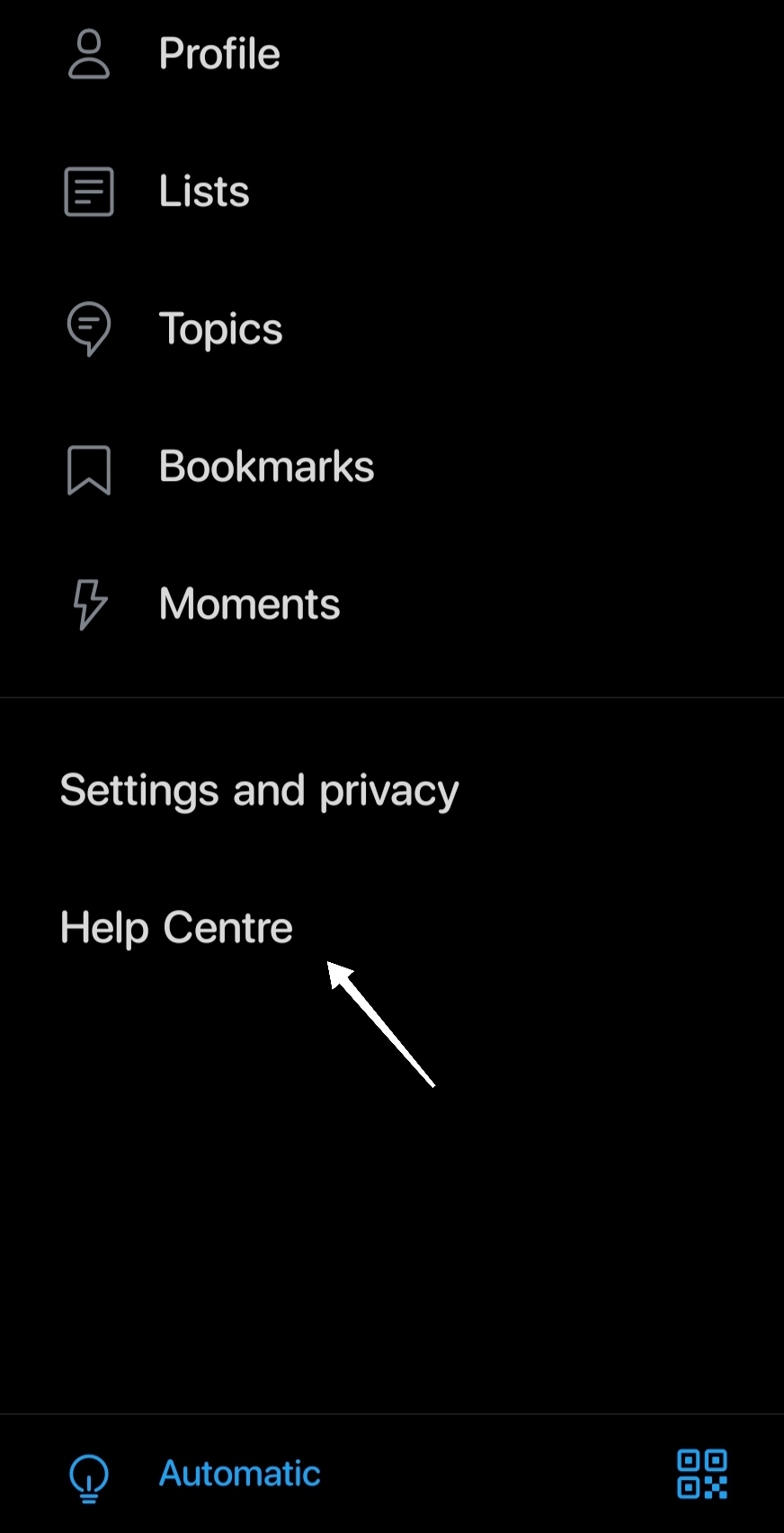
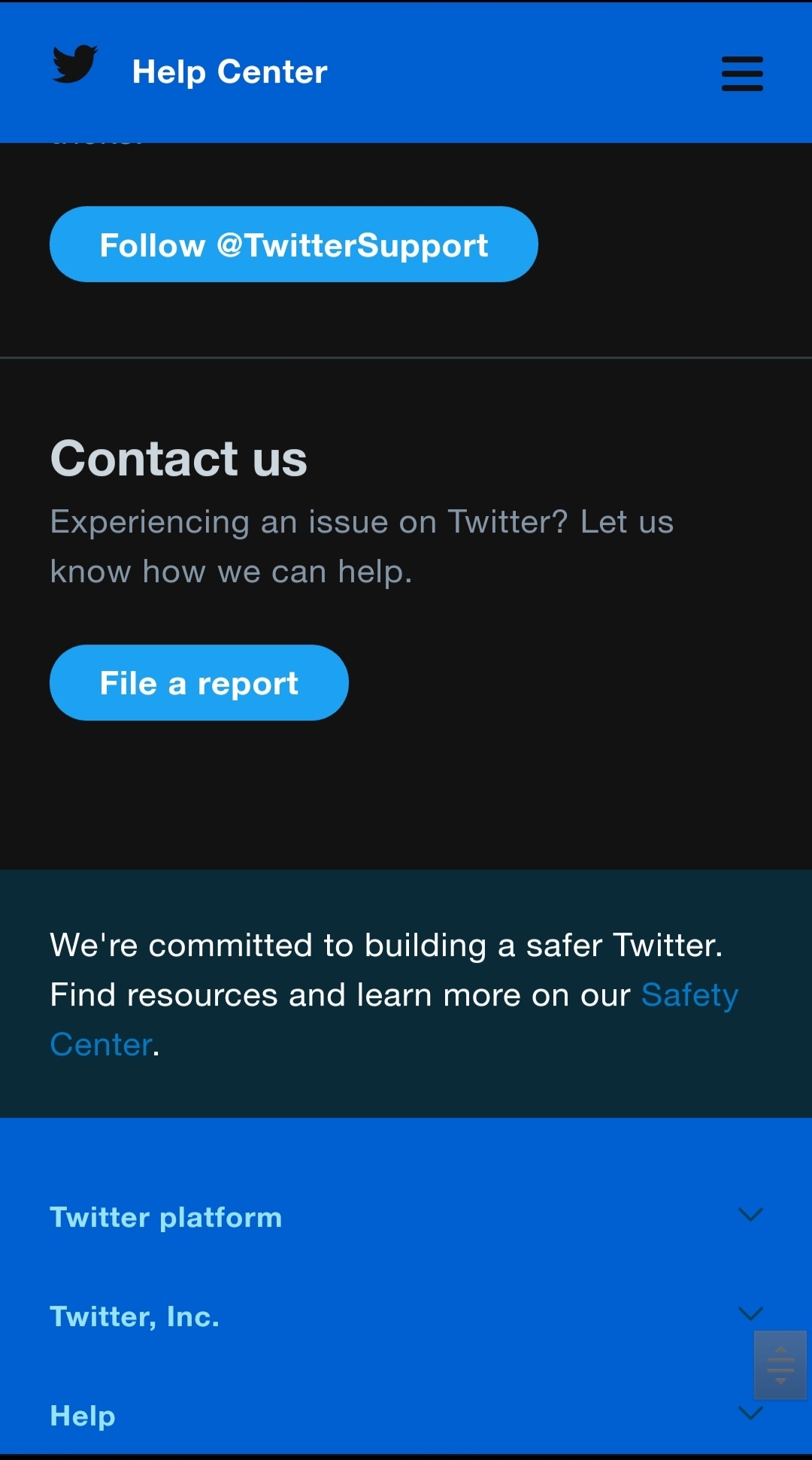
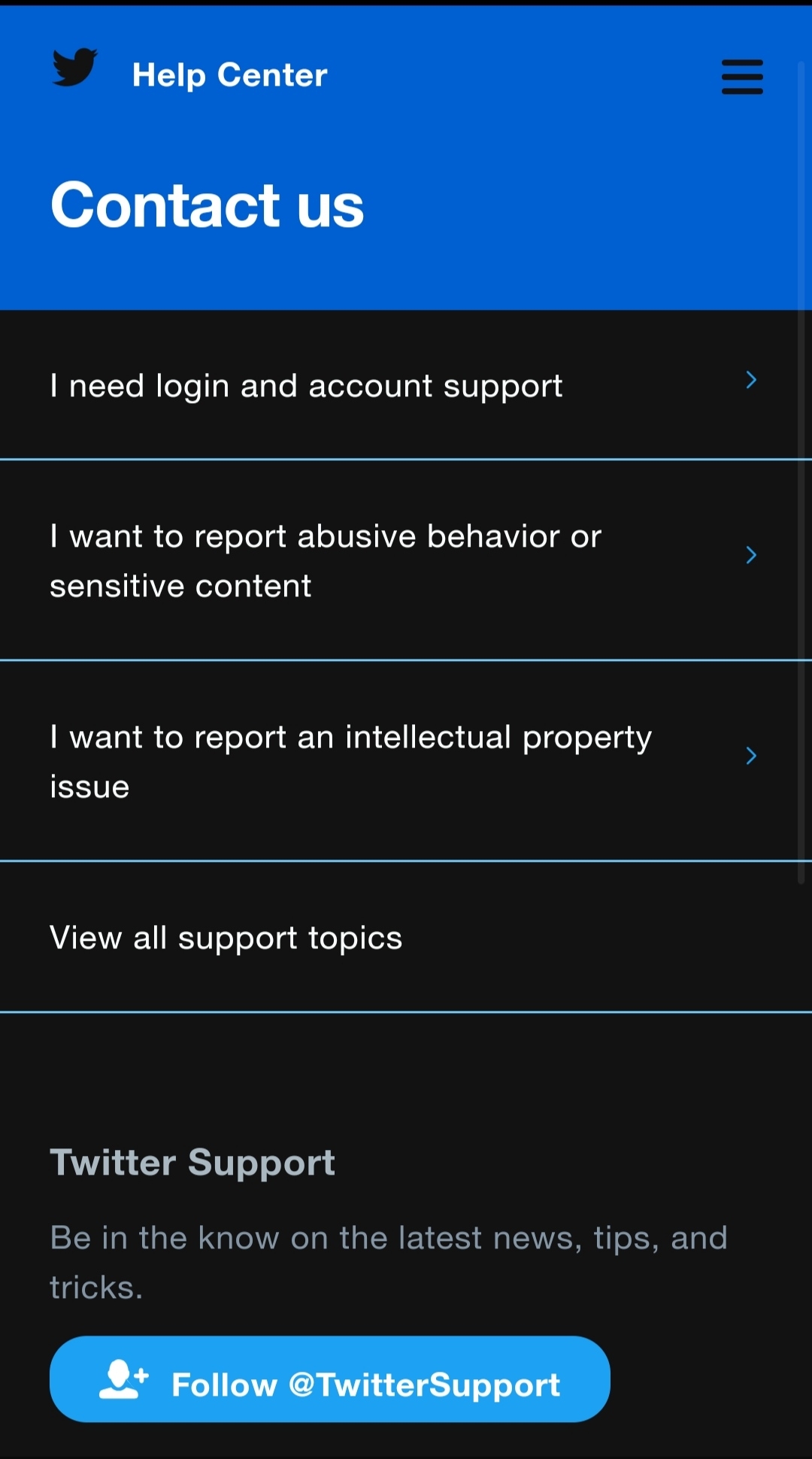
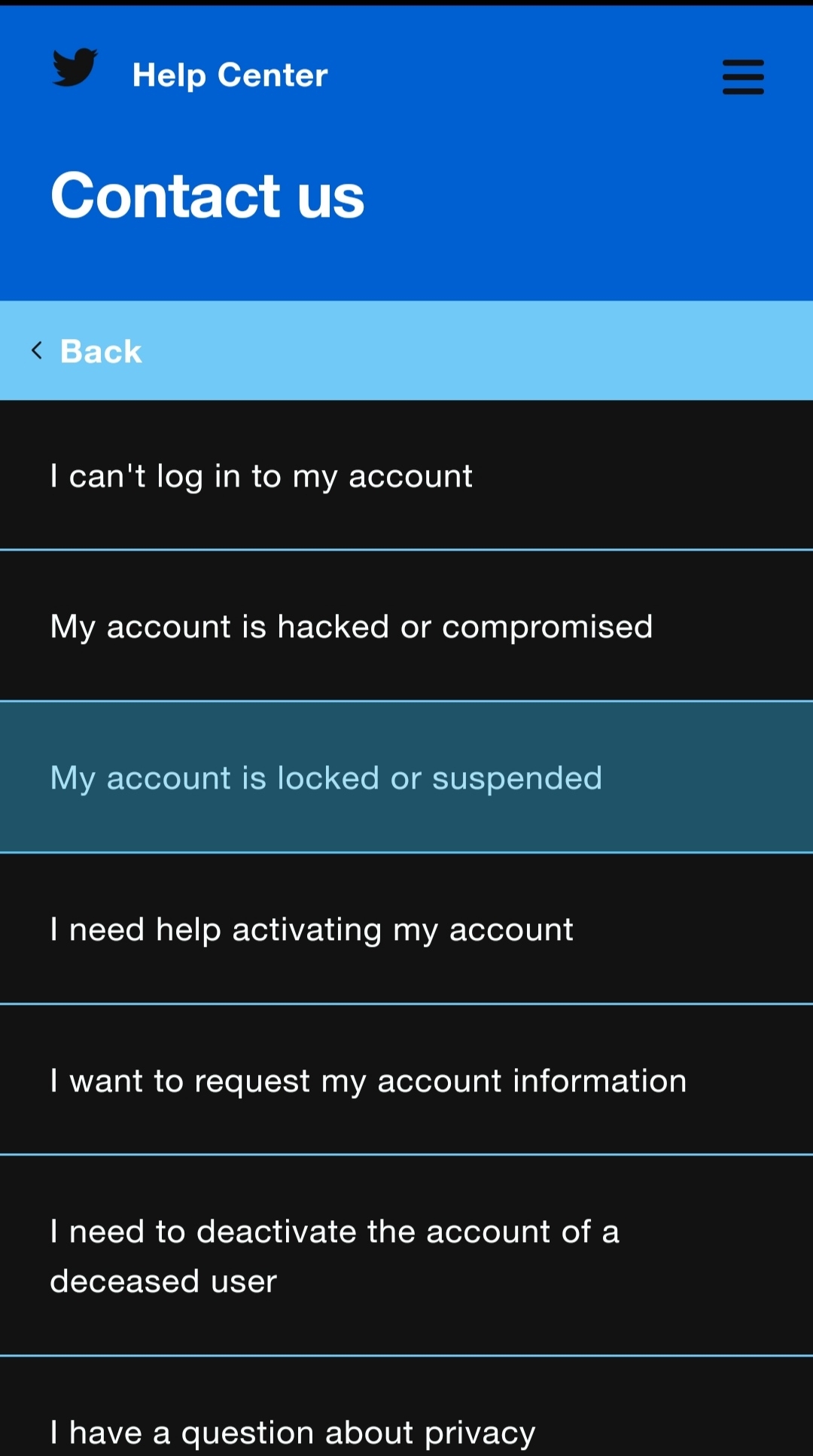
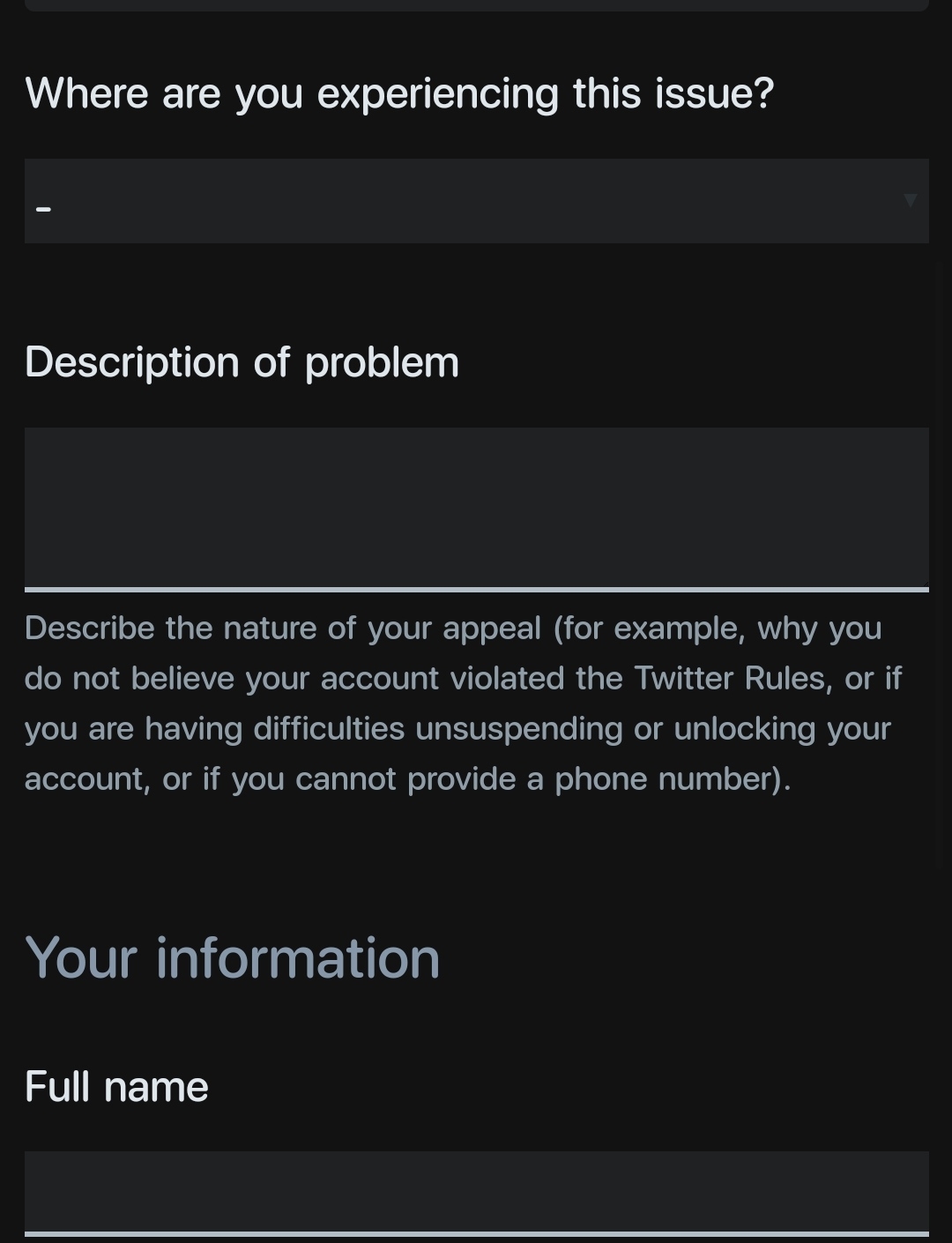
-ထို့နောက် ကျနော် အောက်မှာဖော်ပြထားတဲ့ပုံလေးများ အတိုင်းလုပ်ပါ။
– Appeal Form တင်ဖို့ နေရာရောက်လာပြီဆိုလျှင် “ What are you experiencing this issue? ”ဆိုတဲ့ဟာမှာ Mobile Web Browser ဒါမဟုတ် Twitter Mobile App တစ်ခုခုပဲရွေးပေးပါ။
– Description မှာရေးရမယ့်/ Twitter Appeal တင်တုန်းမှာ ရေးရမယ့်စာကို ရေးပေးထားပါမယ် နည်းနည်းပြင်ပြီး အဲ့အတိုင်းလေးပို့လိုက်ပါ။ ကိုယ့်ဘာသာထက်ရေးမယ်ဆိုလည်းရပါတယ်။
(Appeal Form – မှာတင်ရမယ့်စာ)
“ Dear Twitter Team,
as I am a newbie twitter user from Myanmar ,and do not precisely know about your Twitter media policy rules and make some mistakes unconsciously, my Twitter account has been mistakenly suspended by your Twitter security system.That’s why, I have tried to read all your Twitter media policy rules and promise that I will never violate Twitter media policy rules again.
So, please help me to unsuspend my Twitter account back.
Yours sincerely Twitter user,
Twitter Account Name ” ဒါလေးရေးပြီး ထည့်လိုက်ပါ။
– ပြီးရင် Username တွေ ဖုန်းနံပါတ်တွေထည့်လိုက်ပါ။
-ပြီးကျရင် Thanks, ဆိုပြီး Check Email ဆိုတဲ့ စာလေးပေါ်လေးပါလိမ့်မယ်။ အဲ့ကျ Emailထဲဝင်ကြည့်ပါ အကယ်၍ ကိုယ့်အကောင့်ကို တစ်ခါတည်း unsuspend လုပ်ရင် အရင်လိုပြန်သုံးလို့ရပါပြီ၊ ဒါပေမဲ့ တကယ်လို့ ကိုယ့်အကောင့်ကို ချက်ချင်းမလုပ်ပေးဘူး စစ်ဆေးပြီးမှလုပ်ပေးမယ် Reply ပြန်ပေးပါဆိုရင် ကျနော်အောက်မှာရေးထားမယ့် စာလေးကို Mail ကနေတစ်ဆင့် Reply ဆိုတာကို နှိပ်ပြီး ပြန်လို့ရပါတယ်။
Reply Mail – မှာတင်ရမယ့်စာ)
“ Dear Twitter Team,
I am a real Twitter user from Myanmar.
Your Twitter security sytem has suspended my Twitter account by mistake.
Moreover, Twitter usage in Myanmar has been banned by Myanmar Military Council.
That’s why, in order to use Twitter, even though VPN is not allowed to use in Twitter, I have to use it to tweet to let the world know what is currently happening in Myanmar.
I confirm that I am both of a real human being and a real Twitter user with my Myanmar ID – Passport(ပက့်ပို့စ်စာအုပ်) or Driver License card (ယာဉ်မောင်းလိုင်စင်ကတ်) or Nationality Identity card(မှတ်ပုံတင်ကတ်)
to regain my Twitter account usage rights in Twitter Network.
Therefore, please help me to use my Twitter account back ,
my dear Twitter team.
Yours Sincerely Twitter user,
Twitter Account Name ”
-ဒီစာလေးပါပို့လိုက်ပြီဆိုရင်တော့ ကိုယ့်အကောင့်ကို သူတို့အမြဲဆုံး Unsuspendလုပ်ပေးတော့မှာပါ နာရီပိုင်းအတွင်းလည်း ရနိုင်သလို ရက်ပိုင်းအပိုင်းလည်းပြန်ရလာနိုင်ပါတယ်
-ကိုယ်ကို ဘယ်လိုစာပို့တာက ချက်ချင်း unsuspend မလုပ်ဘူးဆိုတာကို သိအောင် နောက်ဆုံးပုံလေးကို ကြည့်ပေးပါ။
Ref – Aung Thiha Win’s Facebook.
Appealing on Twitter account suspended!